Dictionaries, and why there is more than one
A dictionary in Parolina is a direction: English → Italian, Italian → Russian. It decides which way a card is asked, which language the speaker reads aloud, and where a saved word lands.
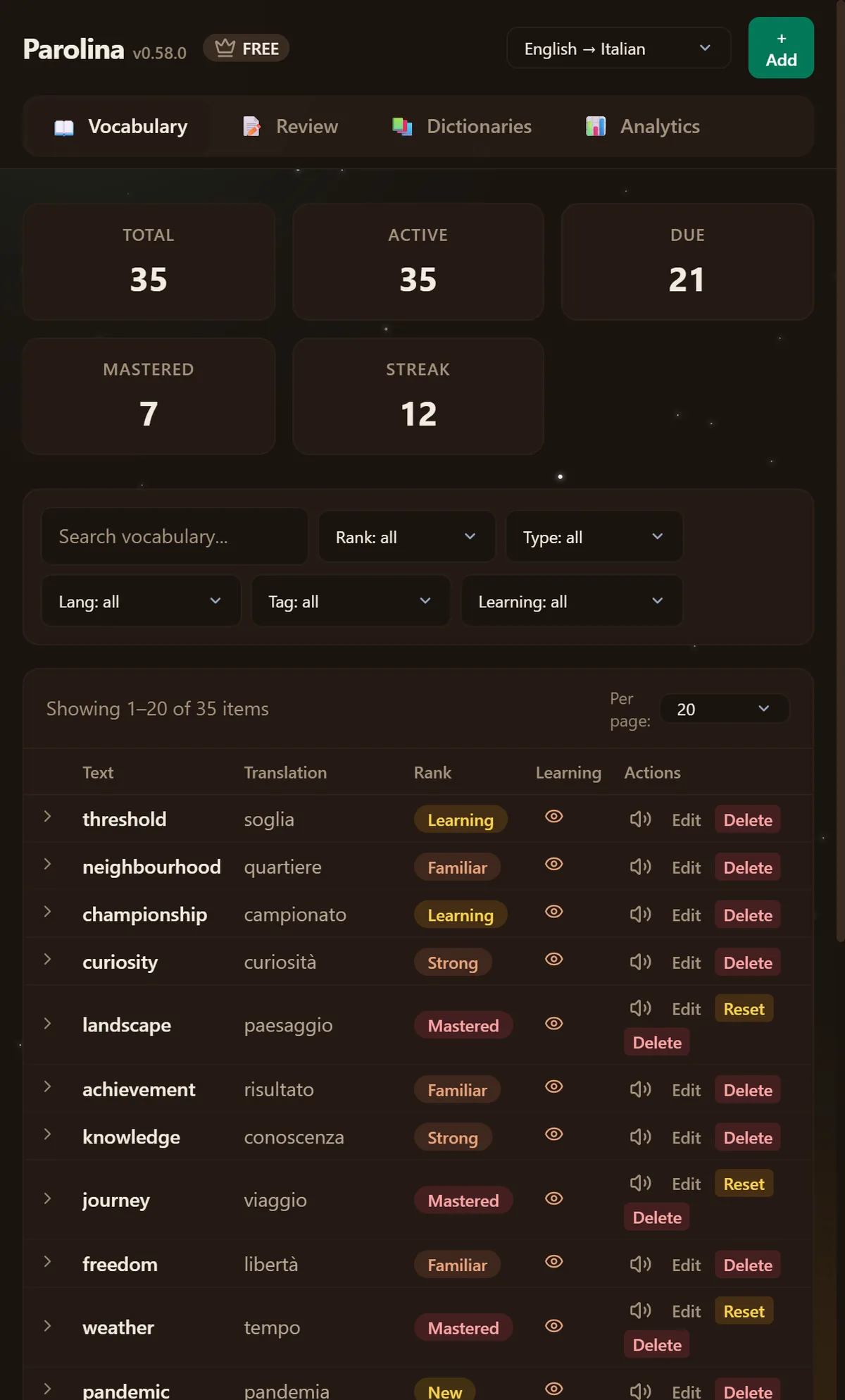
Creating one
- 1Open the dashboard and go to Dictionaries.
- 2Pick the language you are reading and the language you want the translation in.
- 3Give it a name if the pair alone is not enough — “English → Italian — Travel” beside “English → Italian — Work”.
On the very first run you do not have to find this screen: the welcome page asks for your pair and creates the first dictionary for you.
How a word finds its dictionary
Parolina detects the language of what you selected and files the word in the dictionary that reads it — not necessarily the one you happen to have open. Select an Italian word with an English → Italian dictionary open and it goes to a dictionary that reads Italian, because that is where you will want to find it.
Two cases are never decided for you. If the pair does not exist yet, the panel offers to create it and says which pair it will create. If the page is written in the language you are learning, it offers the reversed pair rather than asking Google to translate Italian into Italian. In both cases it offers; you decide.
If you would rather be asked every time a word goes somewhere other than the dictionary you have open, turn on “Ask before saving into a different dictionary” in Settings. It is off by default, so nothing changes for anyone who does not want it.
How many you can have
Two on the free plan, unlimited on Pro. There is no limit on how many language pairs exist — only on how many dictionaries you keep at once.